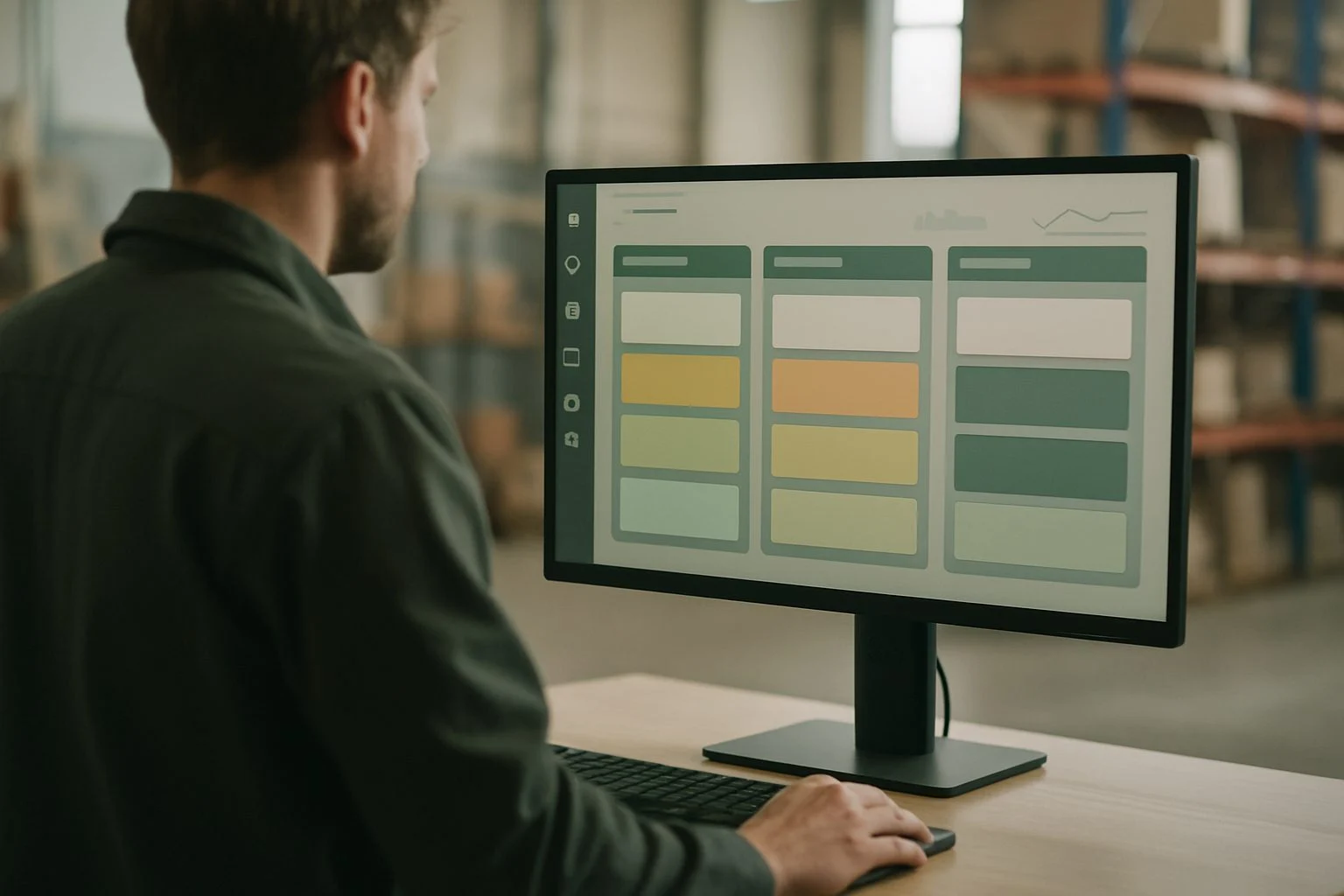
Automate business processes with internal tools
Automating business processes rarely starts with software - it starts with manual work that takes too much time and produces too many errors. We build internal tools that take that work over: simple at the front, the complexity solved behind the scenes.
The trade-off
When an internal tool or process automation is the right choice
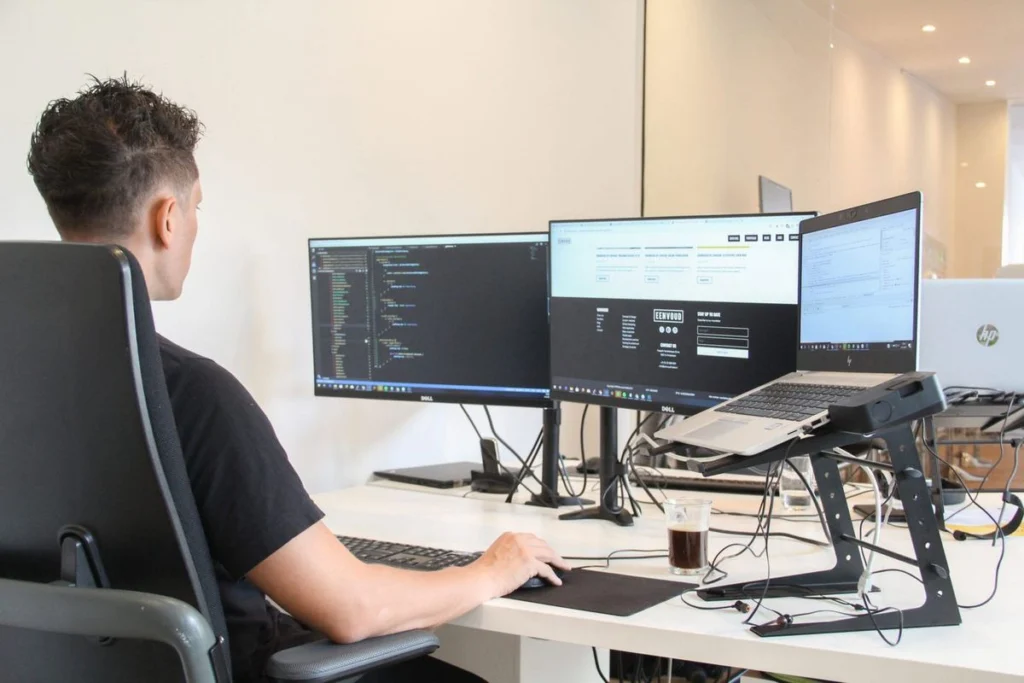
Understand first, then build - we work alongside your people.
Sound familiar? An order arrives by email, someone retypes it into a spreadsheet, a colleague approves it over the phone, and at the end of the week someone enters everything into the accounting package by hand. Every handover is a chance for errors - and nobody sees where work is left sitting.
A custom internal tool turns that into a single workflow: the process starts, flows on and is demonstrably completed in one place. It is one of the forms of custom applications we build - software that adapts to how your team works, not the other way around.
A familiar sign: the process does not stand still, but it runs on retyping and approvals over the phone instead of one workflow that holds it all together.
The signals
- An order arrives by email and gets retyped into a spreadsheet
- A colleague approves it over the phone instead of through the system
- At the end of the week everything goes into the accounting package by hand
At that point, not having one central workflow costs you time every week - and often errors too. Not sure? That is what the Discovery sprint is for: in four weeks we sharpen the challenge and you get an honest go/no-go recommendation.
Start here - Discovery sprint
From challenge to a clickable prototype of your internal tool in four weeks.
We work alongside your people, map your process - including the exceptions - and build a prototype your team can try out. Then you decide - with something tangible in your hands.
4 weeks
fixed timeline
1 prototype
clickable, built on your process
1 recommendation
honest go/no-go with a budget
What custom internal tools deliver
At Van Amerongen office staff and field engineers work in one digital workflow after eight years of collaboration, spread across three applications: stock is visible in real time per branch and invoices are generated automatically from the field work. No more retyping at the end of the week - the paperwork has become a by-product of the work itself.
Automating is not a matter of locking everything down. At Taskmaster - four years of continuous product development - teams now build and improve their own workflows, and adjust course before things go wrong. A good internal tool gives people a grip on their process instead of taking it away.
And automation does not stop at the walls of your organisation. When an internal tool grows into something your customers or suppliers work in too, it becomes a web application or client portal. And almost every tool talks to systems you already have; for that we build API integrations with proper error handling and monitoring, so data flows automatically instead of being retyped.
- Workflows for tasks that now run through email and spreadsheets
- Invoices and documents generated automatically from process data
- Integrations with your accounting, planning or ERP
- Roles and permissions that match who may do what
- An overview of where work sits and what needs attention
- The same team for ongoing development after launch
Our approach
How we approach automation
No months-long project with one big delivery at the end. Every phase produces something tangible you can steer on - and after every step you decide whether and how we continue.
week 1-4
Discovery sprint
We work alongside your people, map the process - including the exceptions - and build a clickable prototype. You leave with an honest go/no-go recommendation and a budget.
after that, step by step
The most error-prone step first, then extending based on real use
We start by automating the step that causes the most errors or the most manual work today. That way your team notices the difference from the first version, while the rest of the process simply keeps running. What the team actually does determines what gets added. Every extension is a contained, budget-controlled step - no big bang where everything has to switch over at once.
ongoing
Ongoing development & maintenance
After launch the same team stays on board: monitoring, maintenance and adjustments as soon as the process changes. That way the tool keeps fitting the work.
In practice

Taskmaster
Processes in the hands of the people
Organisations set up their own processes with Taskmaster and keep a grip on work that keeps moving.
View case →
Letselinzicht B.V.
The new calculation standard for personal injury
Calculations that used to be specialist work in separate documents are now transparent, uniform and reproducible per file - as a product on the market.
View case →
Not sure which process to automate first? Rik van Dijk, partner at Eenvoud, will happily think along with you - even when the answer is “start small”. Or start with a Discovery sprint: from challenge to clickable prototype in four weeks.
Frequently asked questions
What you want to know before you start.
Why not just stay in Excel or a low-code tool?
Sometimes that is the honest answer: for a small process with few users you do not need anything built. But Excel gets risky as soon as several people work in the same file - there is a reason 90% of spreadsheets contain errors. And low-code often gets stuck on exceptions and integrations. In the first conversation we say honestly where that line sits for your situation.
What does automating a business process cost?
That depends on the process and the number of integrations, and we sharpen that scope together first. The Discovery sprint has a fixed duration of four weeks and ends with an honest go/no-go recommendation and a budget. After that we build in small, budget-controlled steps: after every step you decide whether and how we continue.
How long before we have something that works?
The Discovery sprint produces a clickable prototype in four weeks. After that we build in short iterations and automate the most error-prone part of the process first - so your team is already working with the tool while the rest follows step by step, instead of waiting months for one big delivery.
How do you make sure the team actually uses the tool?
By involving the team from the first week: we work alongside your people, build on the way of working that is already there and let users test the prototype before anything goes live. A tool that takes work away instead of adding another system does not need an adoption campaign - at Taskmaster, teams now build their own workflows.
Can an internal tool connect to our existing systems?
Yes, that is almost always the core of the work. Accounting, planning, ERP or point-of-sale system: we integrate through APIs where they exist, with proper error handling and monitoring. At Van Amerongen a custom API connects the office and the field service, so stock is correct in real time and invoices are generated automatically from the field work.
How do you stop the tool from ending up alongside the real process?
By not building the ideal process but the real one - including the exceptions that appear in no manual. We automate step by step, so the tool and the way of working change together. If real use shows that something runs differently than expected, we adjust the tool; the team does not have to bend to the software.
Which technologies do you use for internal tools?
We develop internal tools in Laravel with Vue.js: Laravel gives the system a solid foundation behind the scenes, while Vue.js makes screens fast and pleasant to use. The tools connect to what is already in place. Azure AD lets people sign in with their existing Microsoft account, Power BI turns data into useful reports, and Exact Online keeps accounting connected. Taskmaster’s client system has been running this way for seven years, with Azure AD login and Power BI reporting.