A system that does exactly what the project plan promised, yet three months later staff are working around it: that is how an investment in custom software evaporates. Not because anything is broken, but because nobody wants to use it.
User experience design is the discipline that prevents this. It is not about attractive screens, but about whether the software matches how people actually do their work: which steps they take, what information they need and when, and where the current process gets stuck. With custom software, that fit is the entire point.
Use is the measure, not delivery
Custom software only pays off once people use it every day. Poor user experience undermines that: staff find workarounds, keep their own lists on the side, or fall back on the old way of working. The processes the system was meant to streamline stay fragmented, training takes longer than budgeted, and support requests keep coming in.
On paper, a project like that is a success: everything that was asked for got built. In practice, the expected benefits fail to materialise, and that often only becomes visible months after launch. Fixing it is expensive by then, because the cause is not one screen but the design of the whole.
Off-the-shelf software dictates the process, custom software adapts to it
With an off-the-shelf package, your people learn to work the way the vendor designed it. Custom software reverses that: the system adapts to the process. That does not happen by itself. A development team working through a list of features delivers, at best, a system that is technically correct. Whether it also feels logical to the planner or account manager who will use it all day is a question of design.
Good user experience lives in details you only notice once they are missing. A form that shows only the fields that matter for that task. A clear confirmation when something is saved, and an understandable message when something goes wrong. And speed: slow screens are not a technical inconvenience, they are a reason to avoid the system.
Watching and clicking come before development
That is why a custom software project with us does not start with code, but with watching. We want to see how the work actually happens now: who enters what, where people copy and paste between systems, which step takes the most time. That gives a sharper picture than a wish list, because people rarely describe their work the way they actually do it.
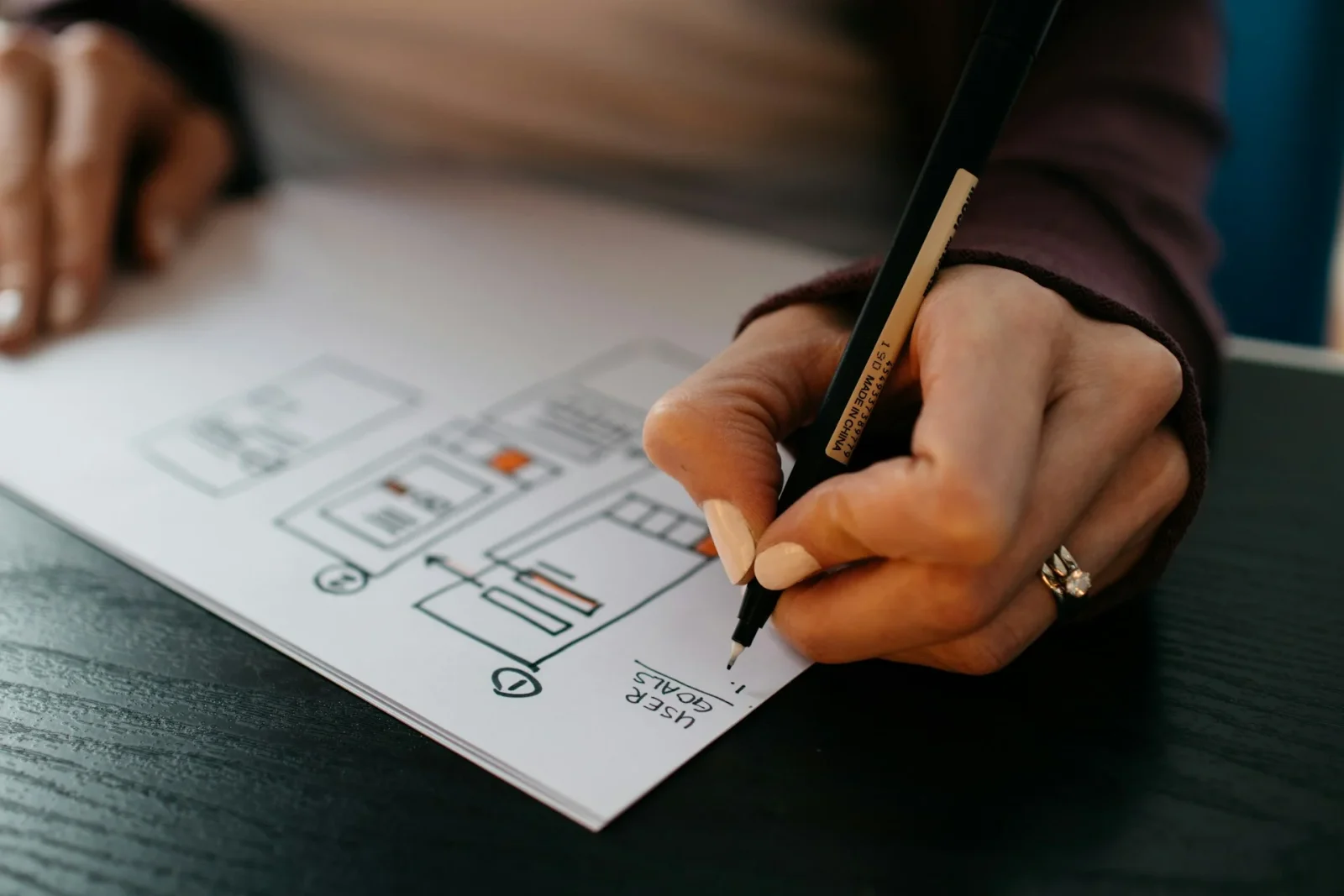
We then make the key screens clickable before any production code exists. A prototype like that costs little and surfaces a lot: users click through their own process and immediately see what works and what does not. A misunderstanding that surfaces in a prototype gets fixed in an afternoon; the same misunderstanding in finished software costs weeks of rework. You can see how that approach plays out in our case studies.
Measuring whether the design does its job
Whether the user experience holds up shows in behaviour once the system is live. Do people log in of their own accord, or only when they have to? Are tasks completed faster than in the old process? Does the number of support requests drop as the weeks go by? Those signals say more than a satisfaction survey afterwards. For a broader approach to that measurement, read our article on measuring the success of your custom software investment.
Choosing a partner for a custom software project soon? Ask not only what you will get, but also how that partner finds out how your people work. Our own approach, from watching the work on the floor to a clickable prototype, is set out under custom applications.