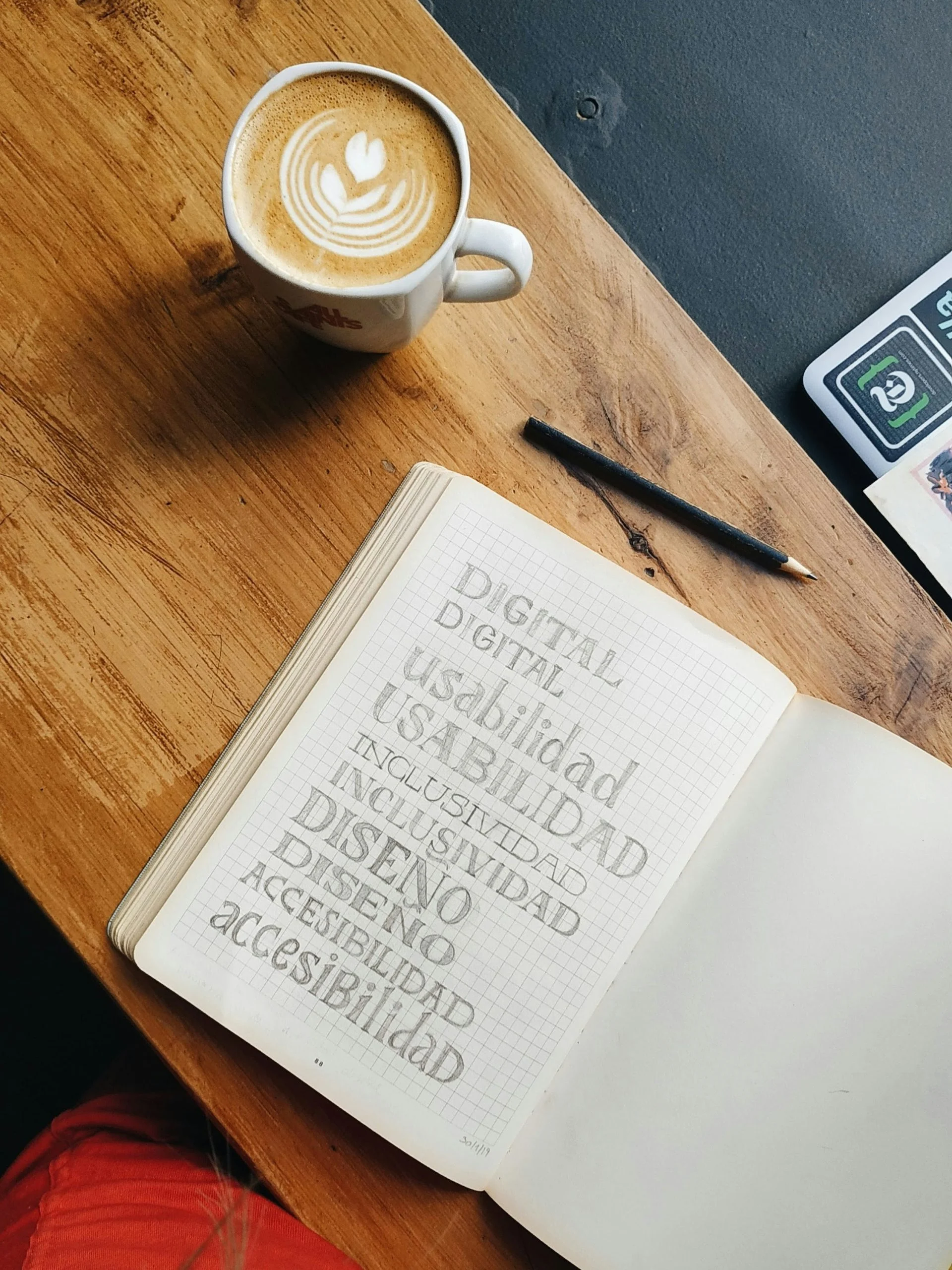
Digital accessibility is not a one-off project, but an ongoing activity. That is why guidelines have been drawn up, and they are updated continuously. In this series of articles we explain why digital accessibility matters so much and share insights you can use yourself to meet those guidelines. In this first part we explain why this topic matters to you too, and we focus on the technical side. Part 2 covers the visual side.
What digital accessibility is
Everyone has the fundamental right to take part in society, and using computers and phones is naturally part of that. Digital accessibility means that everyone can use your website, application or online document without hindrance. That includes people who use hardware or software that differs from the norm, and users with a physical disability. Online, you will often come across the terms “accessibility” and “a11y” for digital accessibility.
Who digital accessibility is for
According to the World Health Organization, at least 2.2 billion people worldwide have a vision impairment and around 1.3 billion people (16% of the world population) live with a significant disability. A quarter of the Dutch population has one or more physical or mental impairments that make it harder to use websites that are not designed for accessibility.
Websites and mobile applications have become smarter and more creative over the years. For these users, that has often made them less accessible. Since June 2025 the European Accessibility Act also applies, which makes digital accessibility mandatory for many products and services offered by businesses, such as online shops and banking services.
How to make a website or application accessible
The guidelines that serve as the starting point for accessibility are called the “Web Content Accessibility Guidelines”, usually shortened to WCAG. The current version is WCAG 2.2. Want to know where your website stands right now? You can have it assessed to see how far it meets these guidelines.
WCAG is divided into four principles: perceivable, operable, understandable and robust. Each principle contains success criteria against which a website is tested. Each criterion has a level (A, AA or AAA), with AAA being the highest.
Once it is clear which success criteria your website does and does not meet, you can have the improvements made. Ideally this is an ongoing process: every time the website changes, technically or in content, you go through the success criteria again, so the website keeps meeting them.
The key technical priorities in short
We have bundled a number of topics that let you tackle the bulk of the success criteria on the technical side.
Read-aloud function
Users with low vision need to be able to have your website read aloud. A read-aloud function on the website itself is therefore recommended.
Keyboard navigation
All pages and elements of the website need to be reachable with the keyboard, as an alternative to the mouse. It also needs to be clearly visible which part of the screen has focus. Provide a skip link too: with a single keystroke it lets you skip the header and go straight to the content.
HTML code
The HTML code needs to be valid and the structure needs to be correct, both in the code and in the headings. Think, for example, of a proper hierarchy of headings.
Alt text
All images on a website need a text alternative, so that people with low vision can take in that information too, for example through read-aloud software. This text can also be converted into braille.
Forms
It needs to be clear which fields are mandatory and how best to fill them in. Also check what a user enters.
Video
Video needs subtitles and an audio description. An alternative to the video also needs to be available; the minimum requirement is a written transcript.
Links
The text of a link needs to make clear what happens when someone clicks it. Text such as “click here” does not meet the requirements.
Scaling
When the browser window is narrowed or widened, and when zooming in or out up to 200%, no content or functionality may be lost.
Would you like your website tested for accessibility, or the points above implemented? Then get in touch with us. We are happy to think it through with you.