An order comes in through the webshop. Someone types it into the ERP system, adds the customer details to the CRM and emails the warehouse a list. Three systems, zero connections, and a colleague filling the gap. As long as everything goes smoothly, nobody notices. Until the stock turns out to be wrong, an invoice goes to an old address, or two reports contradict each other in the management meeting.
Disconnected systems rarely register as a fault. That’s exactly why the situation persists for so long: the damage is hidden in dozens of small moments a day, and they add up.
People become the connection
Where software isn’t connected, a human connection forms instead. Staff export, cut, paste and retype. That work appears in no job description, yet it determines how quickly an order goes out the door and how reliable your records are. It doesn’t scale either: double the number of orders, and the retyping doubles with it.
Every manual handover is also a chance for error. A misread figure, a forgotten line, an outdated export: small discrepancies that only surface when a customer calls or the books don’t add up.
Two systems, two truths
As soon as the same data is kept in more than one place, the versions start to drift apart. The CRM shows a customer as active while billing is still waiting on payment. The webshop promises stock the warehouse has already shipped. Which version is correct? Someone has to work that out by hand, every single time.
For a decision maker, this is the costliest consequence. Reports from different systems give different figures on the same subject, and every meeting starts with the question of which numbers to trust. Decisions get pushed back or fall back on gut feeling, not because the data is missing, but because nobody trusts it.
The risks reach further than duplicated work
Standalone systems also carry risks you only notice once something goes wrong. Data travels by detours: export files in inboxes, lists on a network drive, a USB stick for convenience. That makes it hard to show who changed what and when, and it raises the chance that personal data ends up somewhere it shouldn’t. And a process that depends on the one colleague who knows how it works grinds to a halt the moment that colleague is unavailable.
How to spot it in your own organisation
Five signs that almost always point to missing connections:
- The same data is entered or updated in more than one place.
- Excel is the bridge between two systems that don’t know each other.
- Reports on the same subject come with different figures.
- An order or request stalls because it’s waiting on a manual step.
- Customers have to supply information your organisation already holds.
Recognise several of these, and it’s worth doing the sums. For how to set that up, read our article on what manual data copying costs.
Integration starts with the process, not the technology
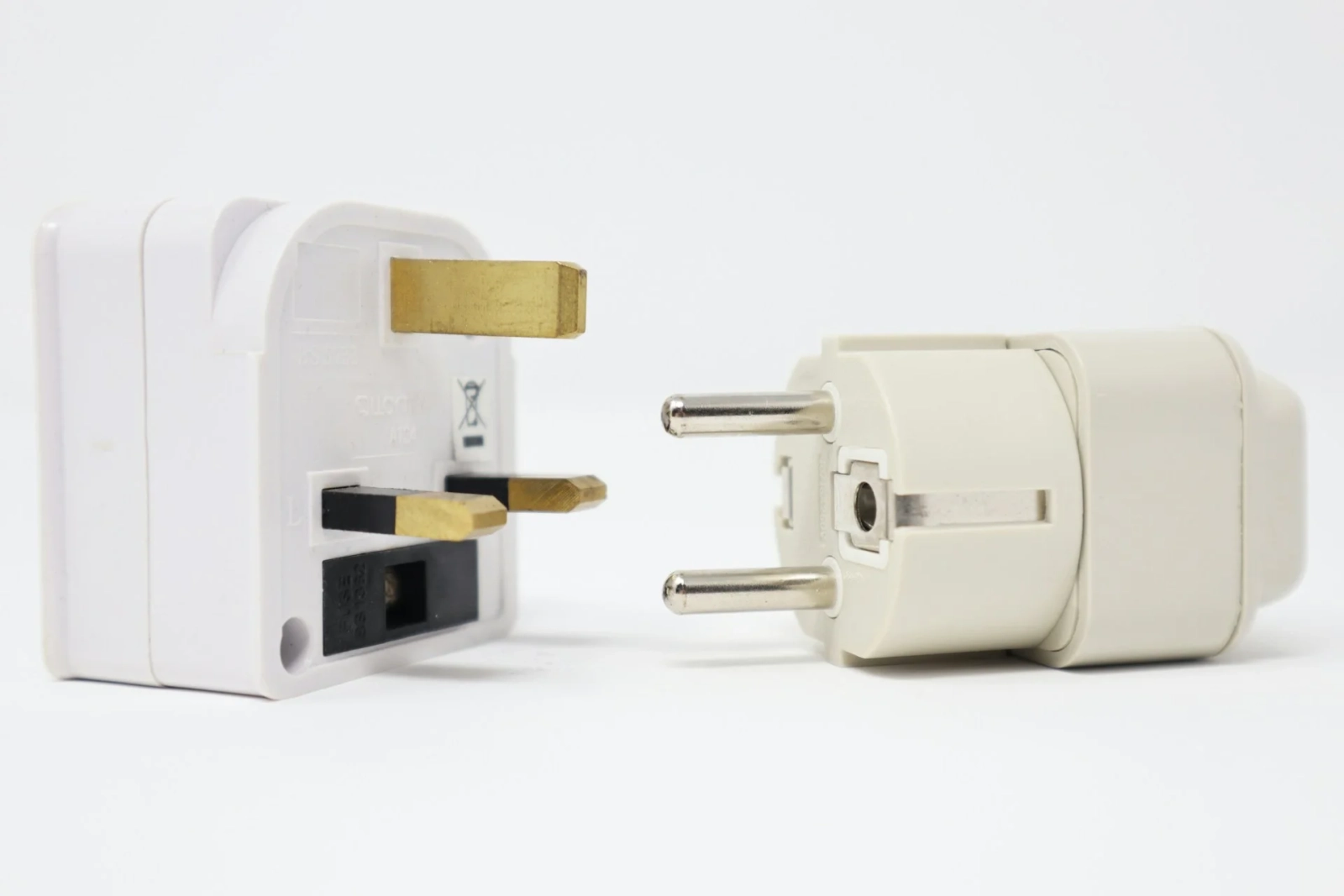
The solution is rarely a completely new system. The packages you already run can usually exchange data perfectly well through their API, the connector that software carries on board for exactly this purpose. The real thinking lies elsewhere: which system is the source of truth for which data, what happens during an outage, and who notices when a connection stops working? A good integration assigns one source per piece of data, synchronises automatically and keeps a record of what was exchanged, so you can always trace what happened and when.
Want to know what’s worth connecting in your organisation? We develop data integrations that make retyping unnecessary, and we start with the question of which system should lead for what. So the first conversation is about your process, not the technology.