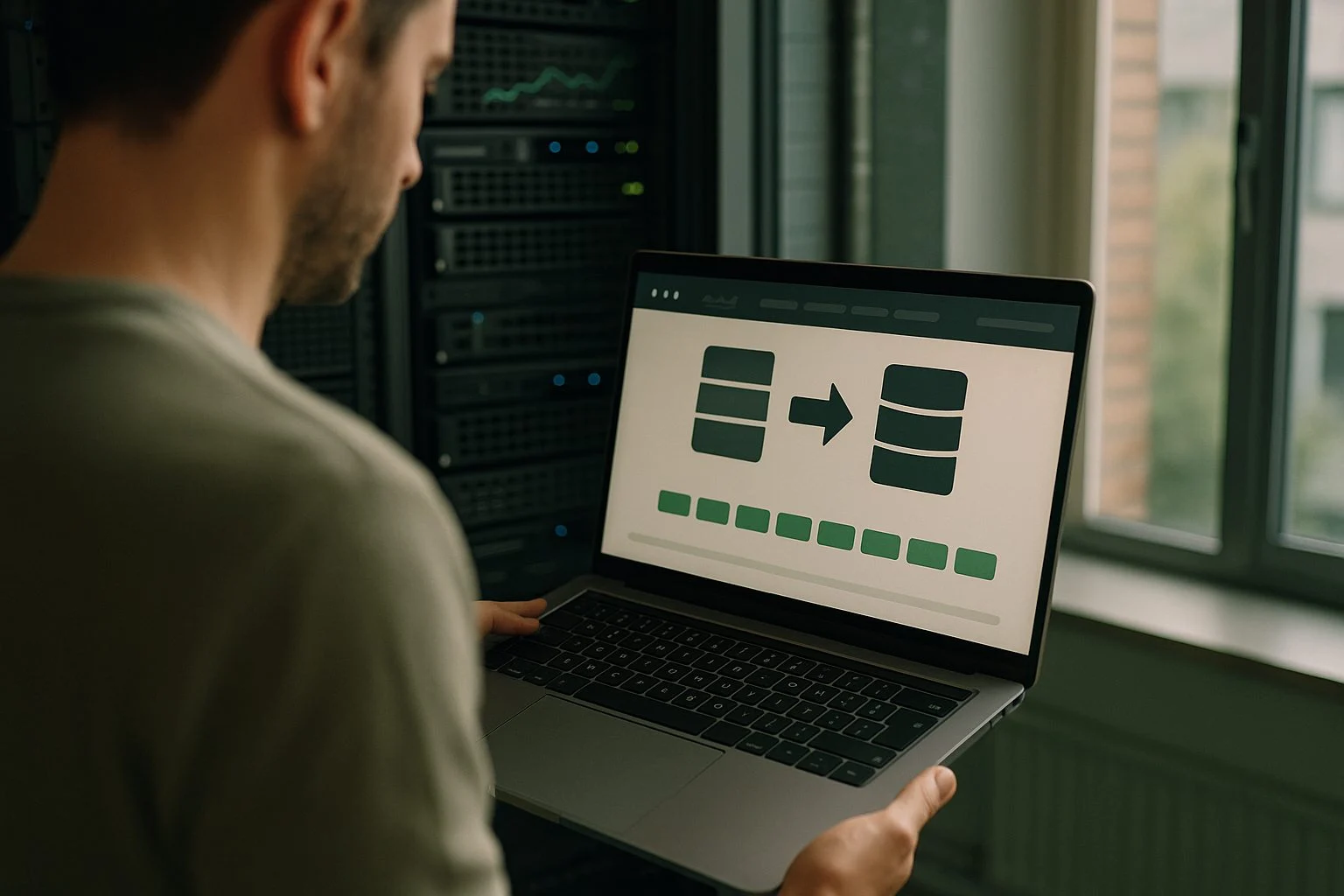
Have a data migration carried out
Have a data migration carried out without data loss and without surprises: we move your data from old to new with dry runs and validation - and the old system stays in place until the proof is on the table.
The trade-off
When a data migration is the right choice
Prove first, then migrate.
You are moving to a new package or platform, but years of customer records, orders and history live in the old system. The export button exists - the fields just don’t match, the formats differ, and nobody dares to press “migrate for real”. So the old system keeps running next to the new one, with double work as the result.
We treat a migration as an engineering challenge, not a removal job. No manual copy work, but repeatable scripts that we rehearse as often as it takes until every run demonstrably checks out. Data migrations are a fixed part of our work on data & integrations.
A familiar signal: the export button exists, but nobody dares to press “migrate for real”.
The signals
- The fields don’t match and the formats differ
- Nobody dares to press “migrate for real”
- The old system keeps running next to the new one, with double work as the result
Start here - Integration scan
A clear view of your data flows in one week - and where they pinch in your migration.
We map the systems, integrations and manual in-between steps in your data migration. You get a clear overview with risks and a concrete plan - not a report for the drawer.
1 week
fixed timeline
1 map
of all your data flows
1 plan
prioritised by impact
A data migration without data loss: what that looks like
The shape differs per challenge: from a dated package to a new platform, dozens of Excel sheets into one database, merging two systems after a merger, or moving the content of several websites into a single environment. The approach is always the same. First we map each source: which data lives there, where it needs to go, and what has to be translated along the way - field names, formats, relationships between records. That mapping immediately exposes where the data is polluted: duplicate customers, empty fields, history that no longer points anywhere.
Then comes the most important principle: we never migrate for real in one go. The migration first runs as a dry run on a copy of your actual data - as often as needed. Every run produces a validation report: do the counts match, do the totals match, do the spot checks your own people perform hold up? Only when the outcome is repeatably correct do we plan the actual switch. And even then, the old system remains available until everyone has established that nothing is missing.
A migration rarely stands on its own. Often it is the first step towards a landscape where systems update each other automatically through API integrations, or it belongs to an internal tool that replaces spreadsheets. So we think beyond the move itself: the target model has to hold up five years from now too.
Migrating is a fixed part of our work. For Metics we moved the contents of dozens of Excel sheets into one reliable planning platform - traceable and without manual formulas. For Stichting DOEN we are bringing four foundation websites together on one platform, existing content included.
- Migration plan with field mapping and risks per data type
- Repeatable migration scripts instead of manual work
- Dry runs on a copy of your production data, with a validation report per run
- Cleaning and deduplicating polluted data along the way
- Controlled go-live with a fallback to the old system
Our approach: prove first, then migrate
up front
Analysis & mapping
We take stock of sources, field mapping and data quality, and record the risk per data type. This results in a migration plan with a concrete schedule.
rehearsal - go-live
Dry runs, validation & controlled switch
The migration runs repeatedly on a copy of your production data. Every run is validated - counts, totals and spot checks by your own people - until the outcome is repeatably correct. The actual switch is then a short, predictable moment - scheduled when it affects your organisation the least, with a fallback scenario agreed in advance.
after
Aftercare & sign-off
The old system stays available until you establish that nothing is missing. It is only switched off after your sign-off - and that decision is yours, not ours.
In practice
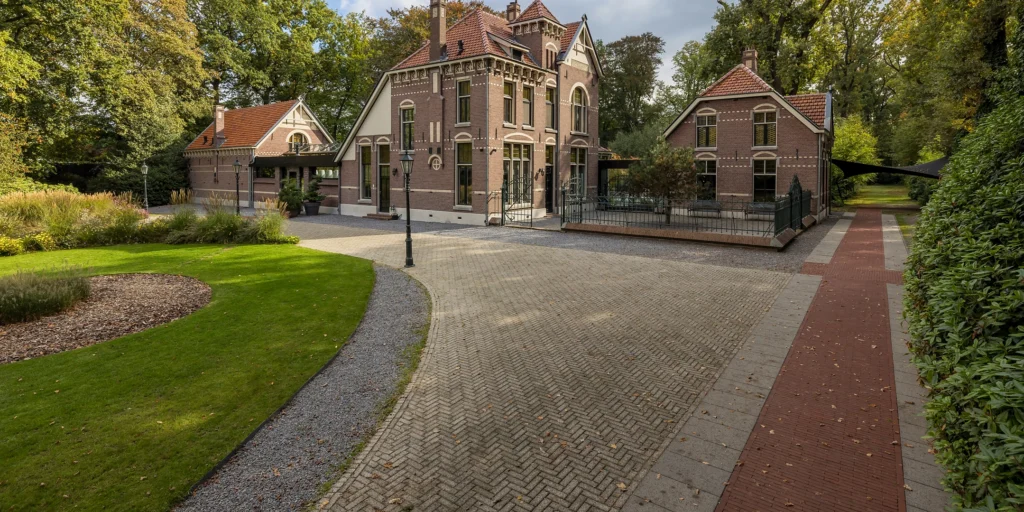
Honders & Alting Makelaars o.z.
A villa in Vught and a house on Ibiza, in the same list
One list in which a country house in Oisterwijk and a house in Spain sit side by side - the one entered by hand, the other arrived overnight.
View case →
Swishfund
From building everything to running the engine
Eight years of the same core, with three bank integrations, two countries and two portals built on it in that time - without ever starting over.
View case →
Not sure whether your data can move across safely? Jasper Kums, partner at Eenvoud, will happily think along with you about what your migration involves. Or start with an Integration scan and get a view of your data flows in one week.
Frequently asked questions
What you want to know before you start.
How do you prevent data loss?
By never relying on a single attempt. The migration first runs as a dry run on a copy of your actual data, and every run is validated: counts, totals and spot checks that your own people perform. Nothing is thrown away along the way, and the old system stays intact until the numbers demonstrably match.
How much downtime should we expect?
Usually little. Because the migration has already been rehearsed several times, the actual switch is a short and predictable moment that we schedule when it affects you the least - often outside working hours. Where that is needed, we let old and new run in parallel for a while, so the work simply carries on.
Can we go back if it goes wrong?
Yes. The fallback scenario is a fixed part of the migration plan, not an emergency measure afterwards. The old system stays available after the switch, so switching back is possible without data loss. Only when you establish that the new system is complete and correct is the old one switched off - that decision is yours.
Our data is polluted. Is that a problem?
No, that is the rule rather than the exception. The mapping exposes where duplicate records, empty fields and inconsistencies sit. Cleaning and deduplicating are built into the migration scripts, based on decision rules we agree together. Whatever cannot be repaired automatically comes back to you as a clear list.
How long does a data migration take?
That depends on the number of sources and the quality of the data. After the analysis - the first step - you get a concrete schedule. Worth knowing: the lead time sits mostly in the rehearsing and validating, not in the switch itself. That part is short, precisely because all the proof is already there.
What does it cost to have a data migration carried out?
That differs per situation, so we start with the scope: which sources, how much data, how clean. After a first conversation you get a substantiated estimate and we work in small, budget-driven steps - you decide at each step whether we continue. The Integration scan, with a fixed timeline of one week, is a logical starting point.
Which systems can you migrate?
We migrate to and from packages such as Exact Online and NetSuite, so your financial and operational data moves into the system your team will use next. We also move data between databases and environments such as MySQL and Azure, so storage, processing and management keep fitting your organisation. The method matters more than the technology: first we reconstruct how the data is structured, then we transfer it in controlled steps, with checks and a way back.